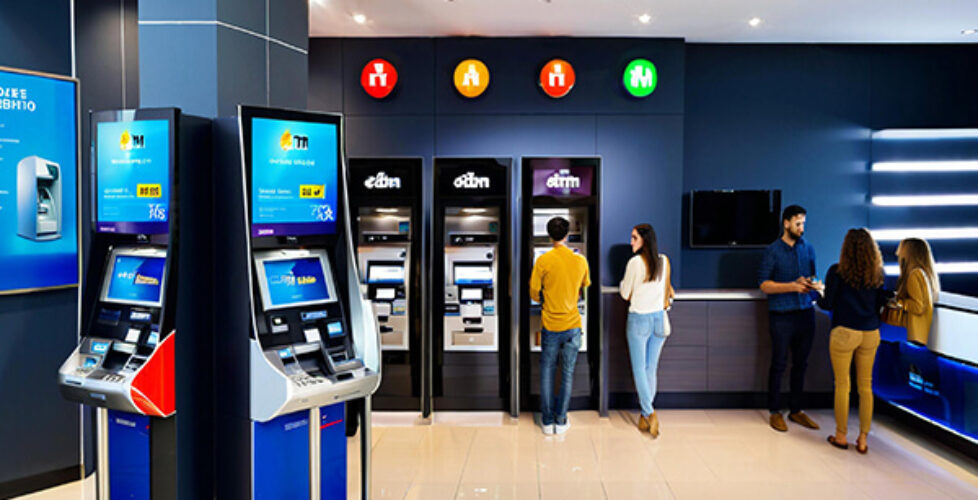
Dual Screen Kiosk Design Trends: Enhancing User Experience and Functionality
In today’s digital era, self-service technologies have revolutionized how businesses engage with their customers. Among these technologies, the dual screen kiosk has emerged as a standout solution, combining interactive capabilities with dynamic display options to transform user interactions. Without a doubt, dual screen kiosks are setting new standards for efficiency, engagement, and adaptability across retail, hospitality, healthcare, and public service sectors.
At Shenzhen Seelinkin Intelligent Technology Co., Ltd., we recognize the critical role that innovative kiosk design plays in driving superior user experience and expanding functionality. Our focus is not just on developing hardware but also on pioneering design strategies that fully leverage the potential of dual screen kiosks. This involves optimizing user interfaces, ergonomic considerations, display technologies, and smart software integrations.
In this comprehensive guide, we will explore the prevailing dual screen kiosk design trends that are enhancing both user experience and operational functionality. Transitioning from conventional single-screen models to dual-screen configurations offers a host of unique advantages, from increased interactivity to improved customer communication. Understanding these trends will enable businesses and technology integrators to make informed decisions that maximize kiosk impact.
The Rise of Dual Screen Kiosks: Why Two Screens Matter
Traditionally, kiosks used a single display to interact with users. While effective, the dual screen kiosk concept expands the interactive surfaces, offering a second display facing the customer or operator, thereby augmenting communication possibilities.
This dual-screen configuration enables:
- Personalized Customer Interaction: One screen can display tailored content, advertisements, or menu options, while the other allows for touch-based user input.
- Improved Customer Privacy: Separate screens help maintain transaction confidentiality, especially in financial or healthcare kiosks.
- Enhanced Engagement: Multiple screens create immersive experiences with multimedia content and interactive elements.
- Bi-directional Communication: Operators or service agents can use the second screen for real-time interaction with users, increasing service quality.
Key Design Trends Driving Dual Screen Kiosk Innovation
Transitioning now to the core focus: the design elements that are shaping the dual screen kiosk today.
1. Sleek and Ergonomic Form Factors
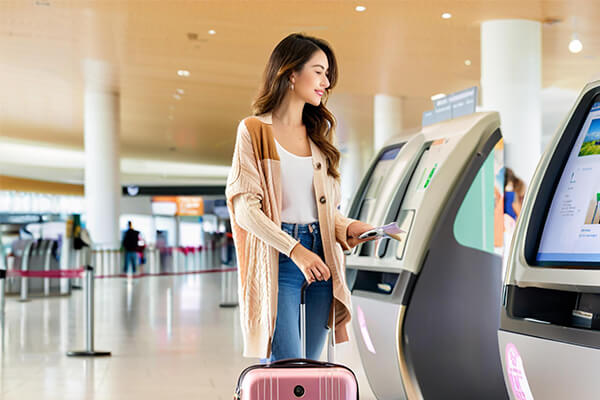
Modern kiosks emphasize slim profiles and adjustable angles to accommodate diverse user heights and accessibility needs. Materials and finishes focus on durability and aesthetics, ensuring the kiosk fits seamlessly into various environments from malls to airports.
2. High-Resolution and Multi-Touch Displays
Advances in display technologies such as IPS panels and OLED screens provide vibrant colors and wide viewing angles. Multi-touch capability enhances user input accuracy and fluidity, supporting gestures like pinch, scroll, and swipe for intuitive navigation.
3. Integrated Cameras and Sensors
To complement the dual screens, embedded cameras enable facial recognition, gesture control, and user analytics. Proximity and ambient light sensors adjust screen brightness and activate displays only when users approach, enhancing energy efficiency.
4. Modular and Scalable Architecture
Modular designs support customization, allowing businesses to add payment modules, printers, or NFC readers according to need. Scalability ensures the dual screen kiosk can evolve alongside business growth and technology advancements.
5. Software Personalization and AI Integration
With the rise of AI, kiosk software adapts dynamically—offering personalized recommendations, natural language interactions via voice assistants, and adaptive interfaces that learn from user behavior.
Functional Enhancements That Elevate Business Use Cases
The latest dual screen kiosk designs don’t just look impressive; they significantly boost operational efficiency and user satisfaction:
- Self-Checkout and Ordering in retail and food services accelerate transaction speed and reduce queue times.
- Information and Ticketing kiosks streamline customer flow in transportation hubs and entertainment venues.
- Healthcare Kiosks facilitate patient check-ins with interactive surveys on one screen and educational content on the other.
- Banking and Financial Services offer secure two-way communication—screen for public access and screen for bank staff input.
Why Partner with Shenzhen Seelinkin Intelligent Technology Co., Ltd?

Our commitment at Shenzhen Seelinkin Intelligent Technology Co., Ltd. is to fuse innovation with reliability. Our dual screen kiosks incorporate cutting-edge hardware paired with flexible software solutions, designed and tested for maximum uptime in demanding environments.
We provide end-to-end support—from consultation and customization to deployment and after-sales service—helping your business harness the full potential of dual screen kiosk technology.
Conclusion
The evolution of dual screen kiosks represents a significant leap forward in self-service technology. By enhancing user experience and expanding functionality, these innovative devices address modern business challenges and customer expectations more effectively than ever before.
At Shenzhen Seelinkin Intelligent Technology Co., Ltd., we are dedicated to pushing boundaries in kiosk technology, offering solutions designed for performance, versatility, and user engagement. Stay tuned as this comprehensive guide expands to cover detailed design considerations, deployment strategies, and case studies showcasing successful dual screen kiosk implementations around the world.
Frequently Asked Questions (FAQ)
Q1: What industries benefit most from dual screen kiosks?
A1: Retail, hospitality, healthcare, finance, transportation, and government sectors leverage dual screen kiosks for enhanced customer service and operational efficiency.
Q2: How do dual screen kiosks improve user privacy compared to single screen models?
A2: By separating the interactive user interface from the display facing others, sensitive information input by the user is protected.
Q3: Can the dual screens operate independently?
A3: Yes, modern dual screen kiosks allow independent control of each screen to display tailored content and interaction options.
Q4: Are dual screen kiosks accessible for people with disabilities?
A4: Design trends include ADA-compliance features such as adjustable height, tactile buttons, and voice guidance to ensure accessibility.
Q5: What maintenance challenges do dual screen kiosks present?
A5: While more complex than single-screen models, modular designs from trusted manufacturers simplify repairs and updates.